
BiasBoardJust place your bias photo. 3 taps to your home screen.
Simply choose a photo and place your fave on your iPhone home screen widget. No complicated settings, no sign-in required.
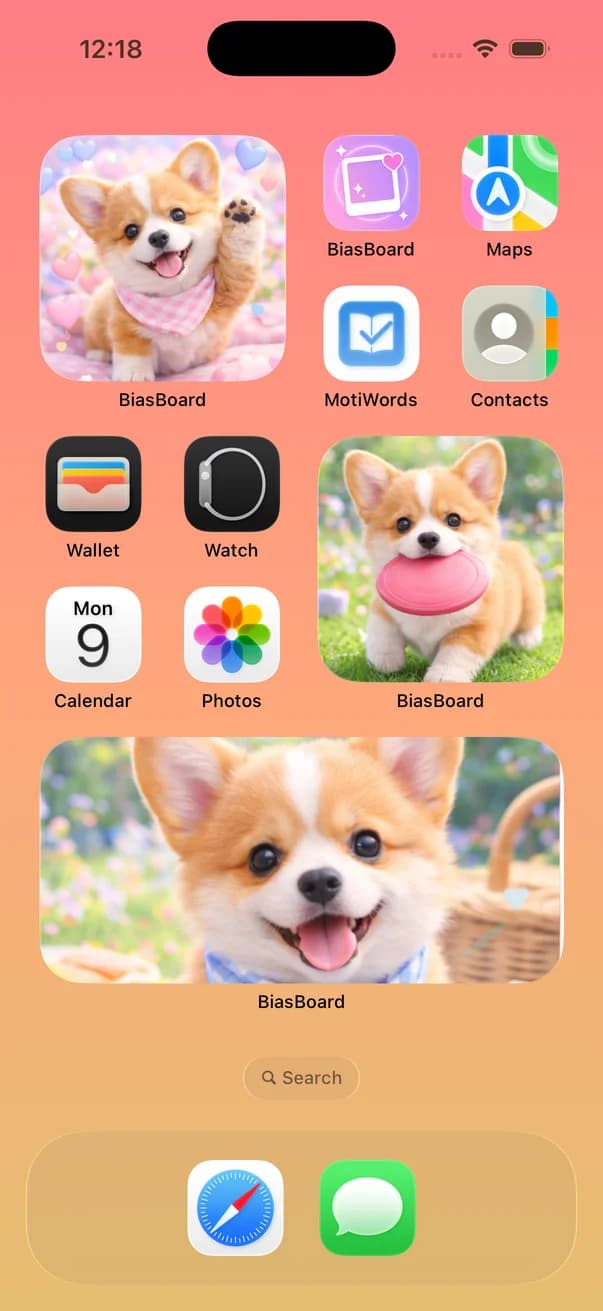
Sound familiar?
You want a fandom-themed home screen, but widget settings are too confusing
Other widget apps have too many features—you don't know where to start
A wallpaper isn't enough. You want your fave everywhere on your screen
With BiasBoard, just choose a photo.
No unnecessary features. BiasBoard focuses solely on the experience of placing your fave photo, so anyone can customize their home screen in seconds.
Done in just 3 steps
No complicated settings needed
Choose a photo
Simply select your favorite photo from your camera roll
Customize
Set borders and backgrounds to match your fave's colors
Place on home screen
Add the widget and enjoy seeing your fave every day
Ideas for your bias widget
Ways to celebrate your bias on your Home Screen with BiasBoard.
Keep your bias's photo on your Home Screen
Unlike the built-in iPhone Photos widget, BiasBoard keeps showing the one photo you chose, so your bias greets you every time you unlock your phone.
See the steps →Display photocards and instant photos
Put photos of your photocards or instant photos on a widget, and choose how to display them in Small, Medium, or Large.
See the steps →Match your Home Screen to member colors
Set the widget frame to red, yellow, blue, green, or purple. Any custom color and the see-through wallpaper effect are available with Premium.
A new bias photo every day, a special one for special days
With Premium, the photo changes automatically every day. Before a birthday or a concert, try swapping the widget photo for a special one.
See the steps →Happiness every time you glance at your phone.
See your favorite idol every time you unlock your screen. BiasBoard transforms your daily routine into a life with your fave. At the café, on the train—always with your bias.
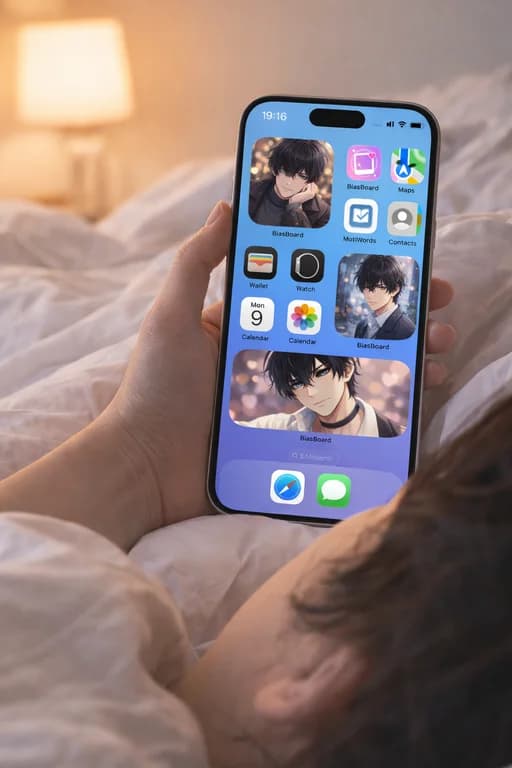
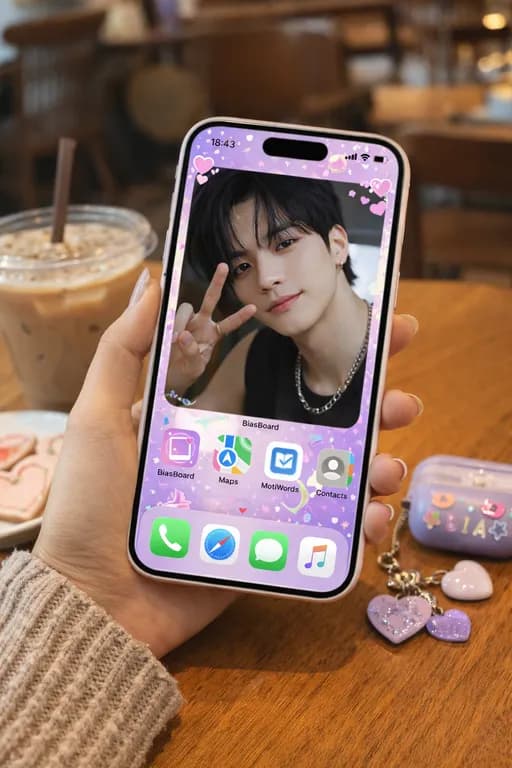
GALLERY
Your Personal Shrine.
Supports Small, Medium & Large widget sizes. Create any layout you desire.
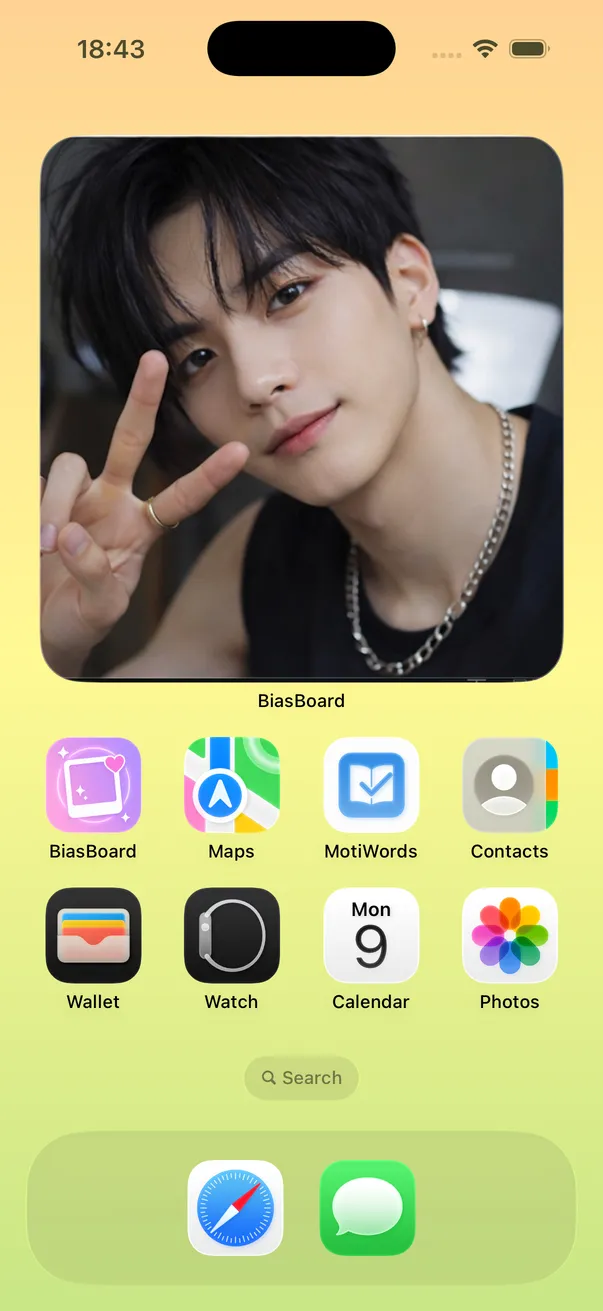
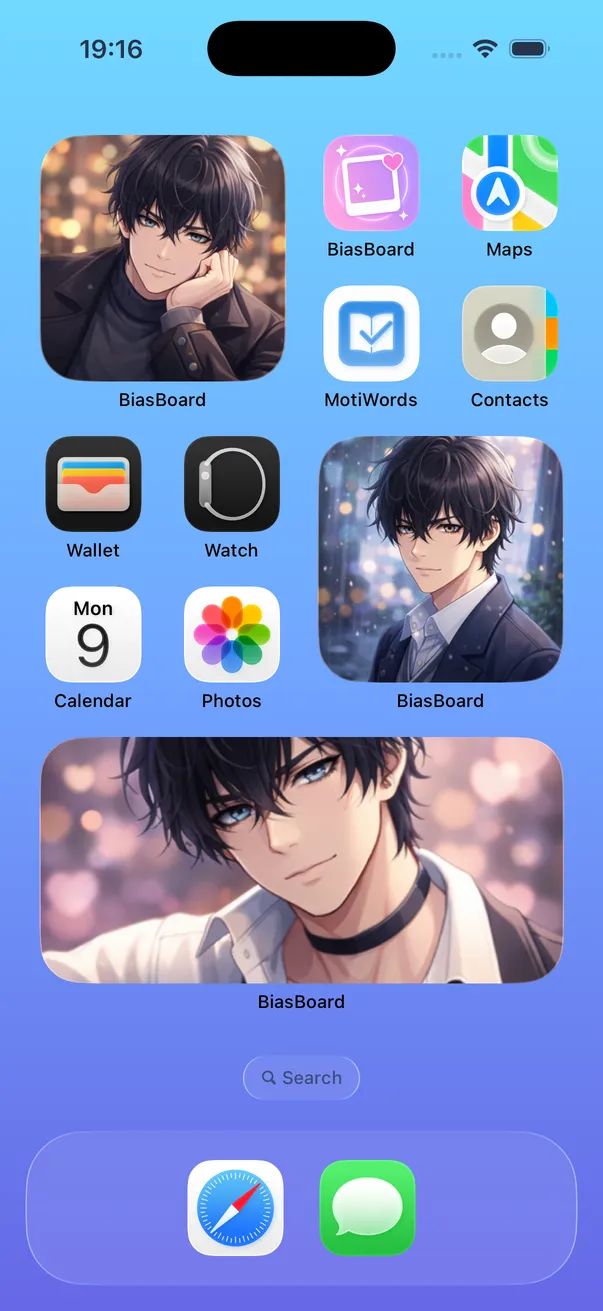
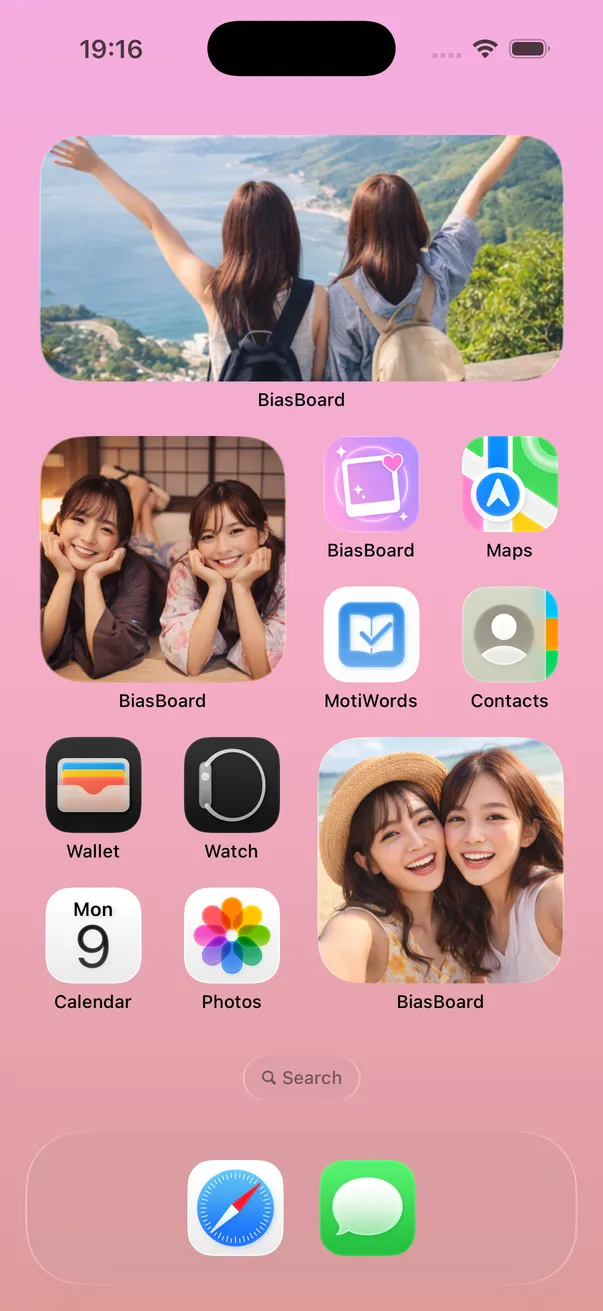
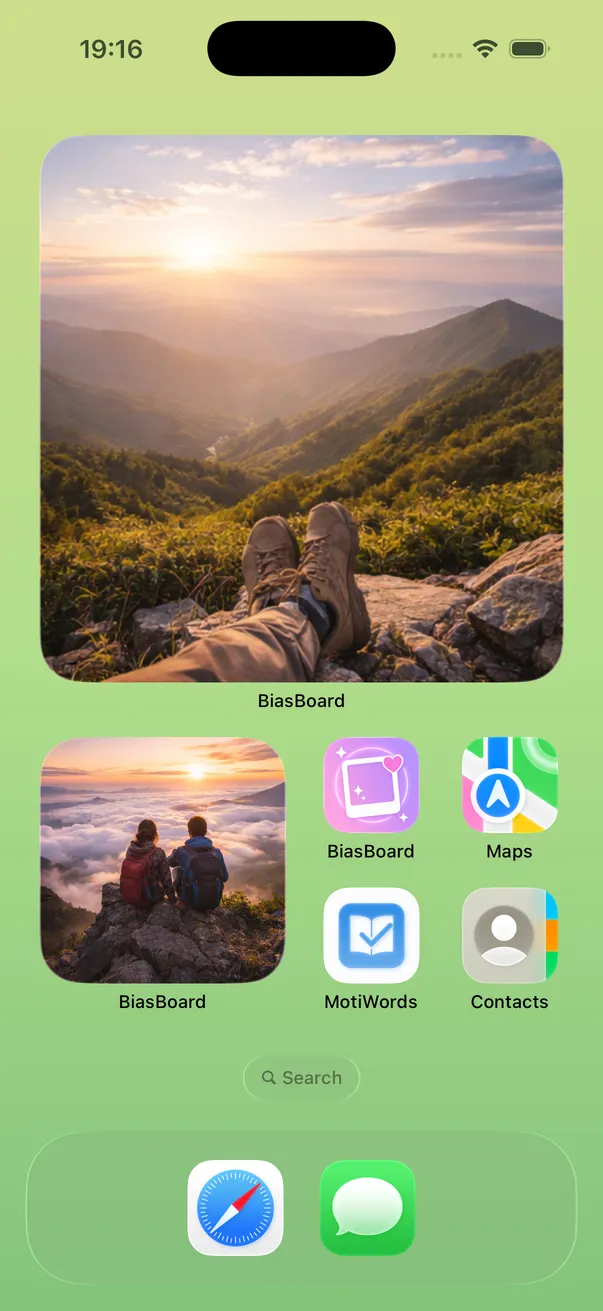
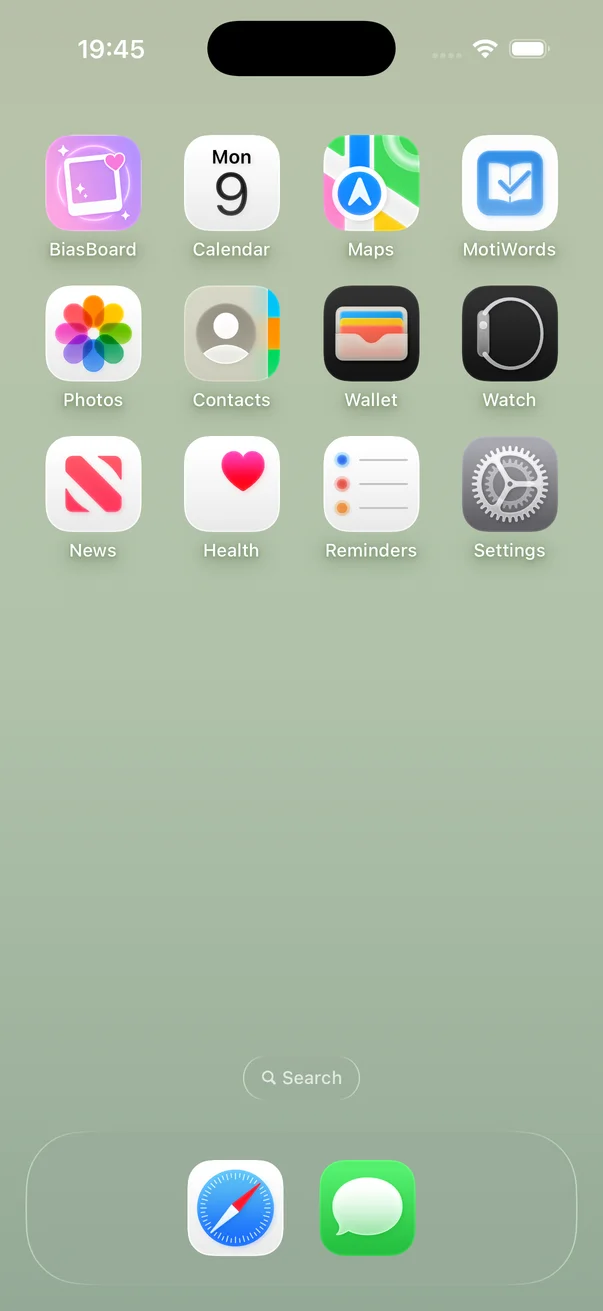
Standard boring screen
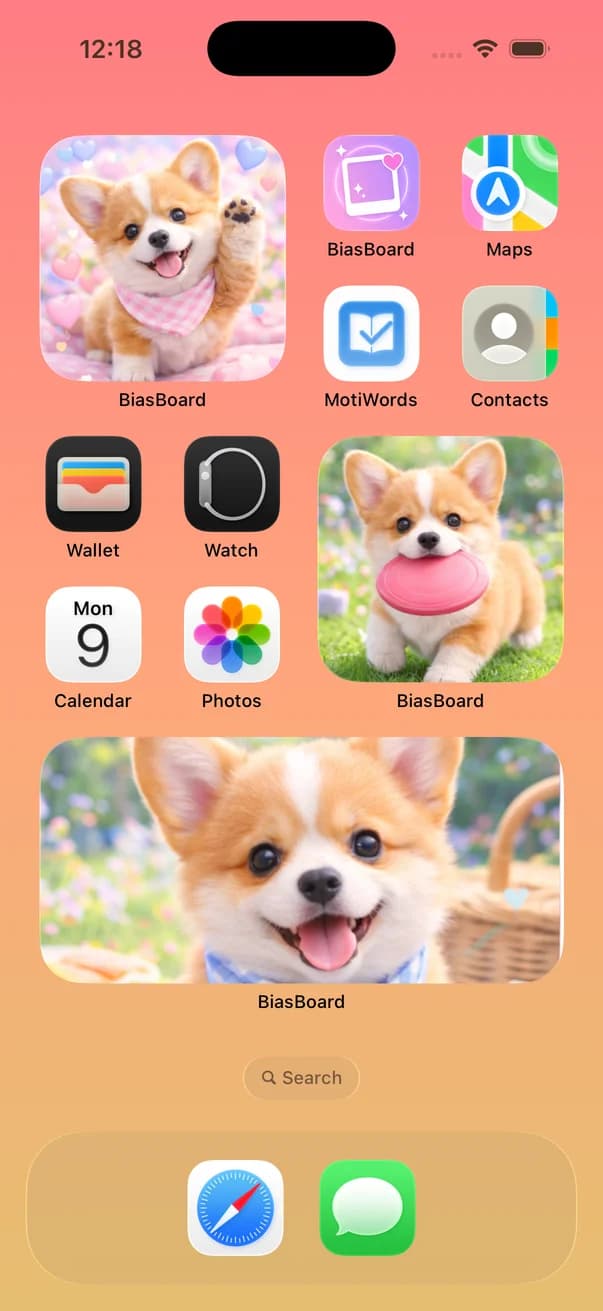
Happiness surrounded by your fave
Simple yet uncompromised.
Intuitive customization
Set borders to match your fave's member color, or create pseudo-transparent widgets with wallpaper cutout.
Various widget sizes
Supports Small, Medium & Large sizes. Place them anywhere on your home screen.
High-quality photo display
Display your fave photos beautifully. Background removal available on Premium.
Carousel & Daily Rotation
Switch photos with a tap on the widget, or let them change automatically each day. A fresh fave experience daily (Premium).
No sign-in required
No account creation or login needed. Download and start using immediately.
Photos stay on your device
Your photos are never uploaded to any server. Use with complete peace of mind.
BiasBoard Fan Guides
Tips on home screen customization, photo widget setup, and fandom decoration ideas to make the most of your bias photos.
Plan Comparison
Free to use. Upgrade for more fandom power.
Free
- 1 widget
- Fixed photo display
- With ads
Premium
- Unlimited widgets
- Daily auto-rotation
- Background removal
- Wallpaper cutout (pseudo-transparent)
- No ads
* Pricing and plan changes are available within the app
Frequently Asked Questions
Is BiasBoard free to use?
Is setting up a widget difficult?
Are my photos ever sent to a server?
Which iPhones are supported?
Which plan includes daily rotation?
Is Premium a one-time purchase?
Fill your home screen with what you love.
Just place your bias. No complicated setup. Start free today.
View on App Store