
SnapStop - Train & Bus WidgetMinutes to your usual train or bus.
Register your usual line once, and SnapStop's widgets keep showing your next departure and how many minutes are left — on your Home Screen and Lock Screen. Just paste a timetable page URL and AI reads it.
Sound familiar?
You take the same train or bus almost every day, but still open a transit app to check the next one
Your line runs only a few times an hour, and you don't want to miss it
You leave from a different station or stop on the way back, and can't remember all the times
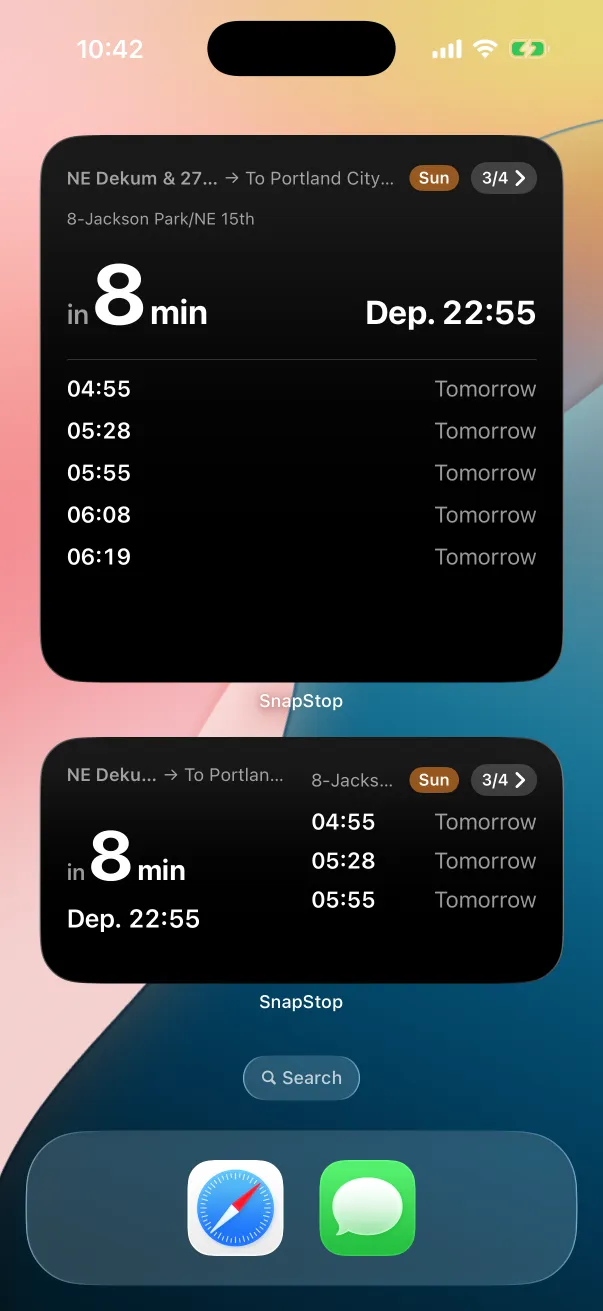
Glance at the widget, know the next departure
SnapStop doesn't plan routes. Register only the lines you actually ride, and the minutes left stay on your Home Screen.
How It Works
Paste a URL, check the result, done
Paste a URL
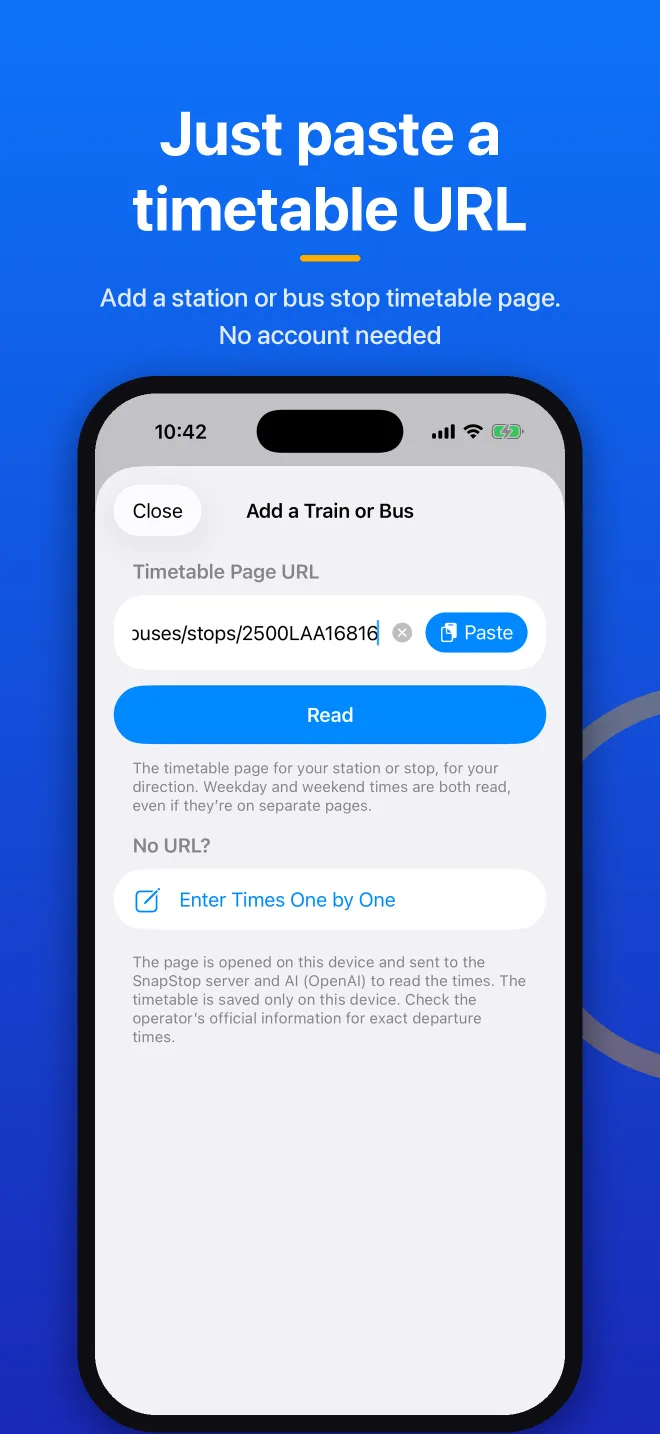
Paste the URL of a station or bus stop timetable page.
AI reads it
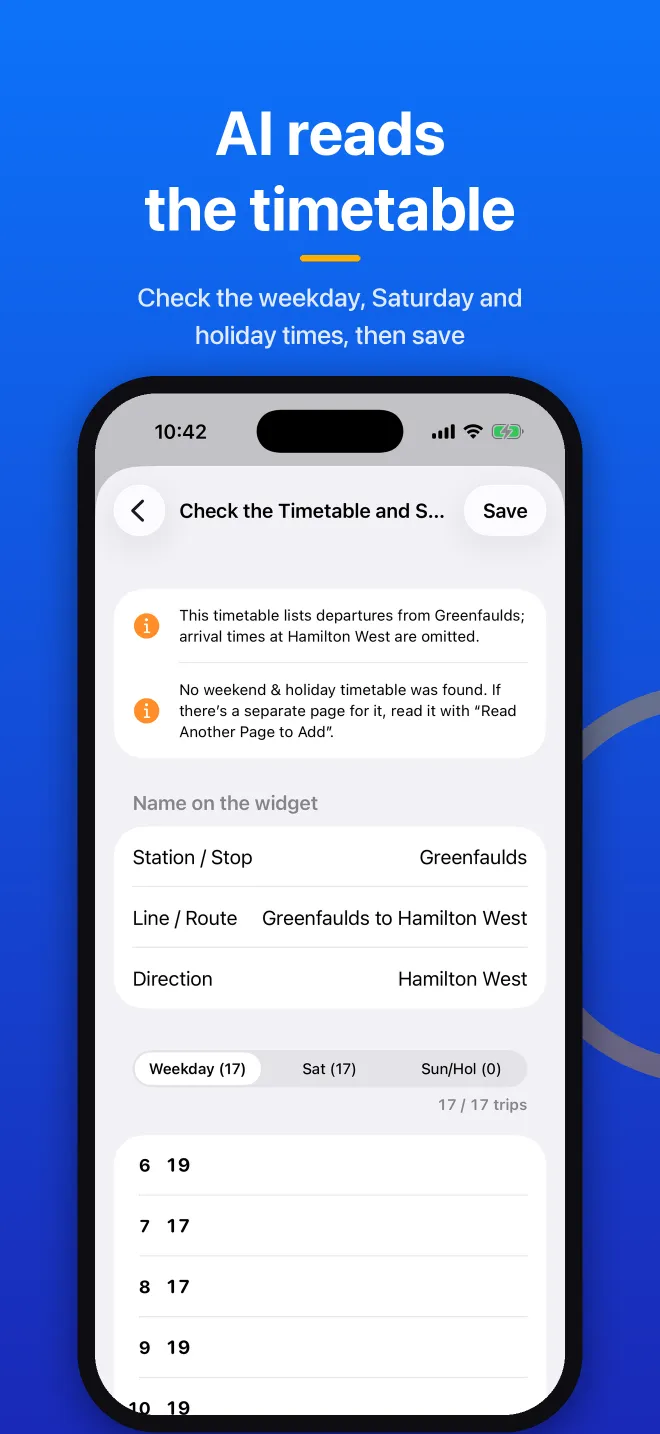
AI reads the times, train types, destinations and schedules (weekday / Saturday / Sunday & holiday). Check the result, then save.
Add the widget
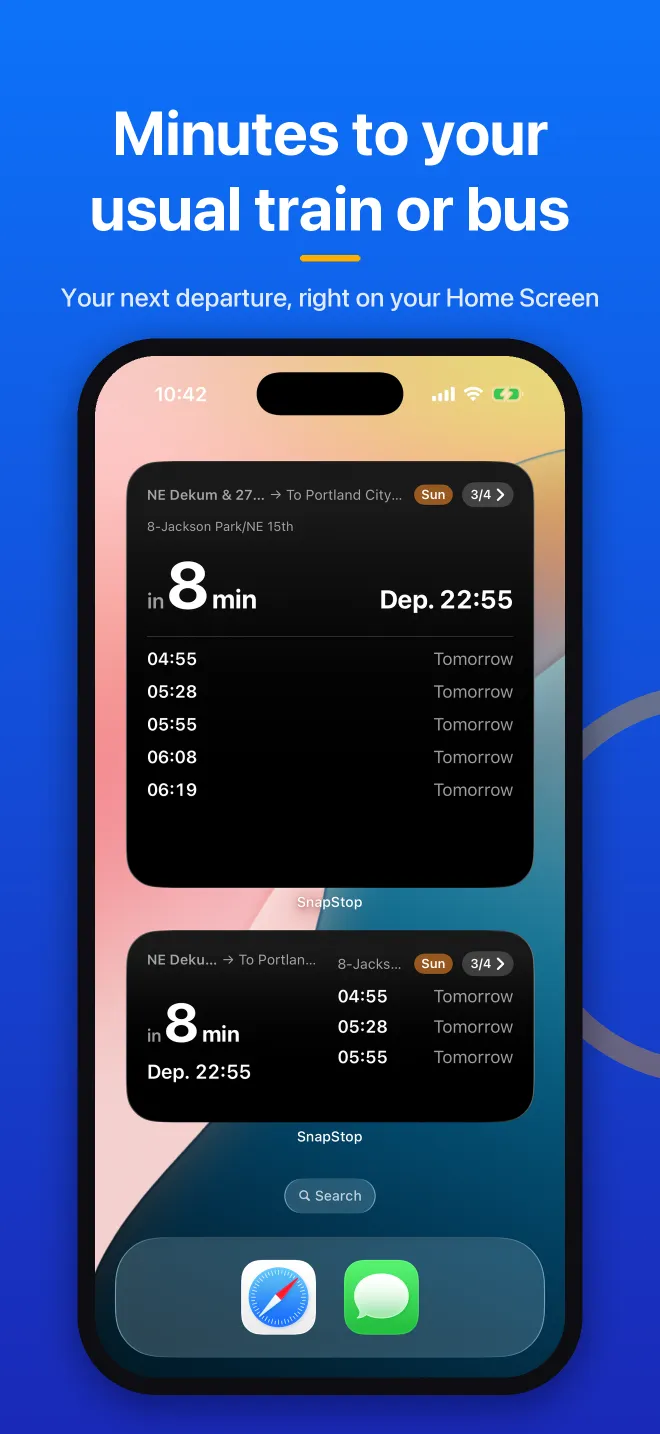
Place it on your Home Screen or Lock Screen to see the next departure and the minutes left.
GALLERY
App Store Screenshots
Real screens from the app.
Features
Paste a URL to register
Paste a timetable page URL and AI reads the times, train types, destinations and schedules.
Or add departures one by one
If you only take a few departures, add them one at a time.
Count only what you ride
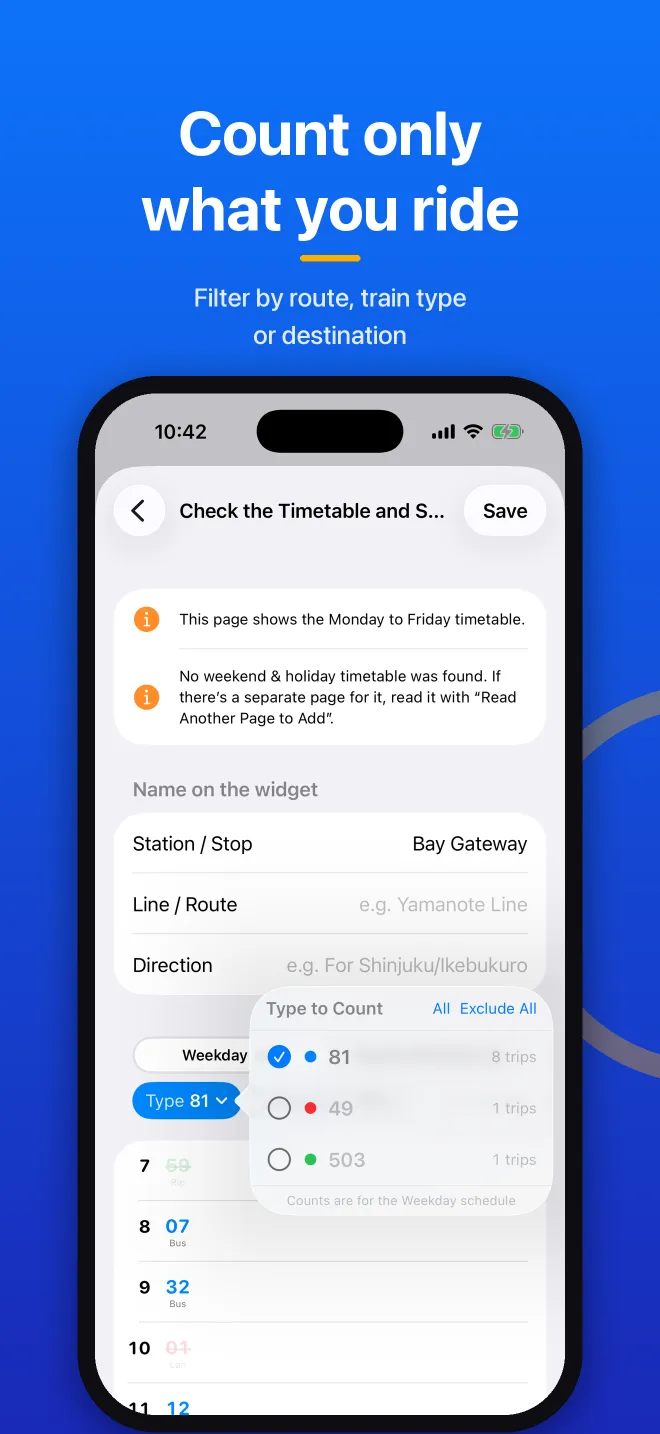
Filter by train type and destination. Departures you don't take aren't counted.
Schedules switch automatically
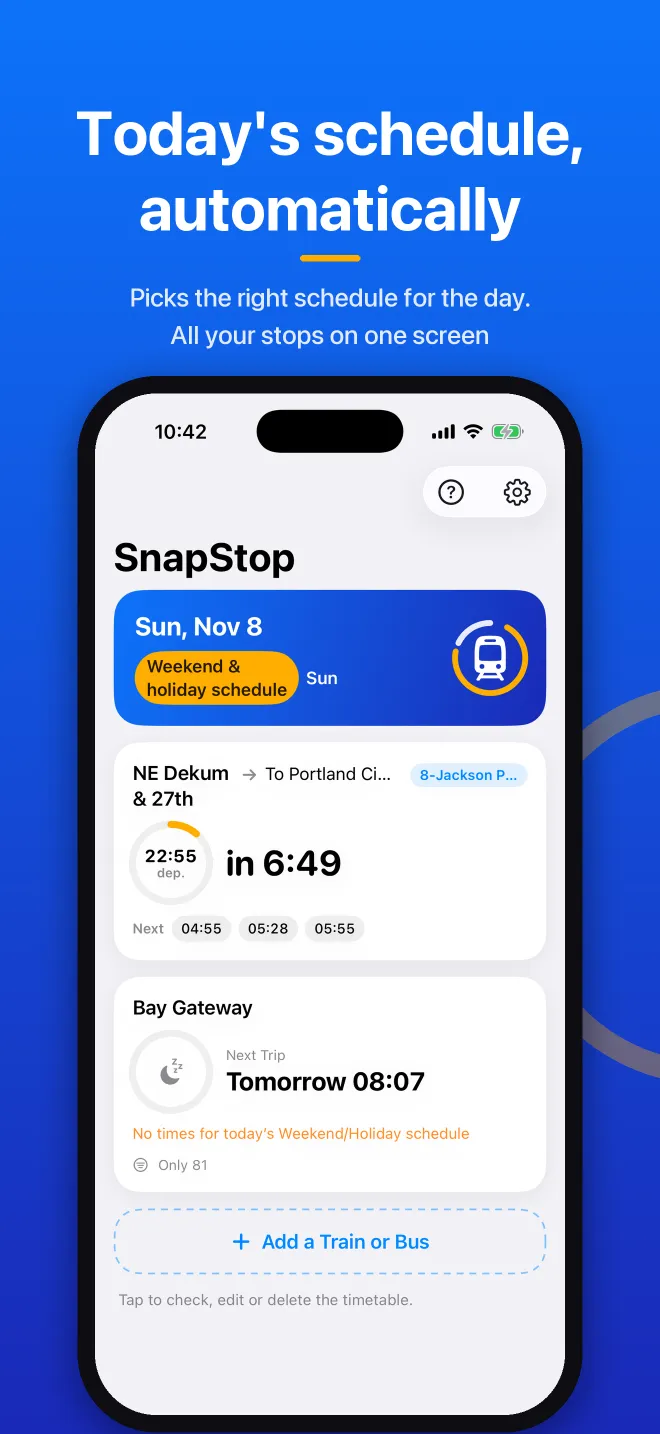
Weekday, Saturday and Sunday/holiday schedules switch automatically. Japanese public holidays are used when the device is set to Japan time.
Home Screen and Lock Screen
Small, medium and large widgets, plus three Lock Screen widgets. Choose which line each widget shows.
Timetables stay on your device
No account. No location access.
Plans
Start free. Go Premium when you need more.
Free
- 1 train or bus line
- 3 URL imports
- With ads
Premium (one-time)
- Unlimited lines
- Unlimited URL imports
- No ads
* Premium is a one-time purchase. See the App Store for the price in your country.
FAQ
Does it show delays or cancellations?
Are there timetables it can't read?
Does it work for buses?
Where are my timetables stored?
What's the difference between Free and Premium?
Which devices are supported?
Your next departure, on your Home Screen.
Download for free and paste the URL of your usual timetable.
View on App Store